What AutoSermon does
All free, except where a plan is named.
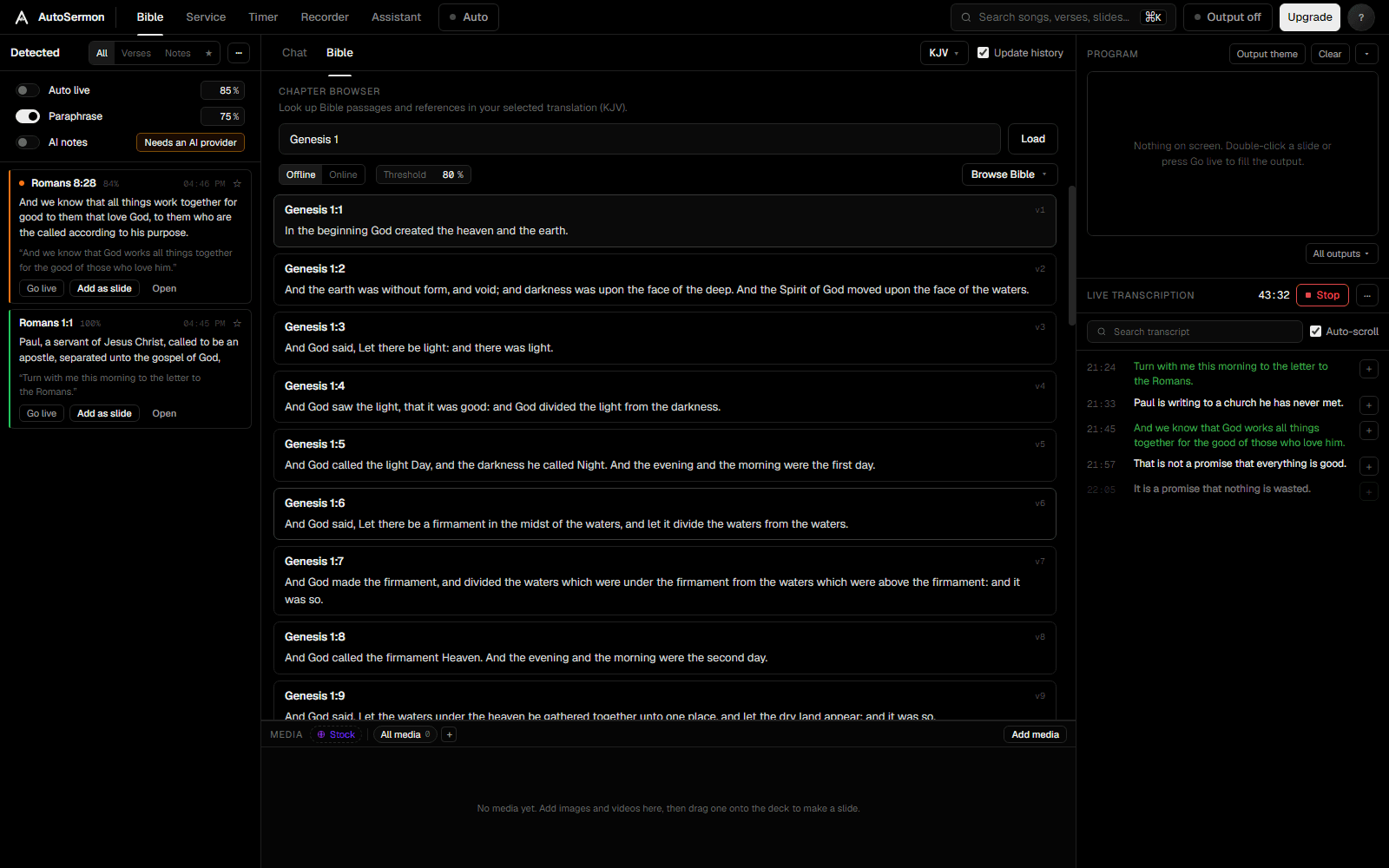
Verses from what is said
AutoSermon transcribes the service and finds the scripture in it. A reference said aloud is caught as soon as it is complete. A passage quoted without one is matched to its verse, on the computer, with no AI key.
- Auto live: references go up by themselves, quoted passages once the match reaches the level you set
- Nothing goes up while the room is singing
- With Auto live off, each verse waits for Go live or Add as slide
- Requests to the desk, like "Media, can you give us Zechariah 4:7", are suggested, or carried out with undo
- A translation the preacher names, if it is installed, becomes the one in use
- Transcription on the computer, offline, or with your own OpenAI, Groq or Gemini key
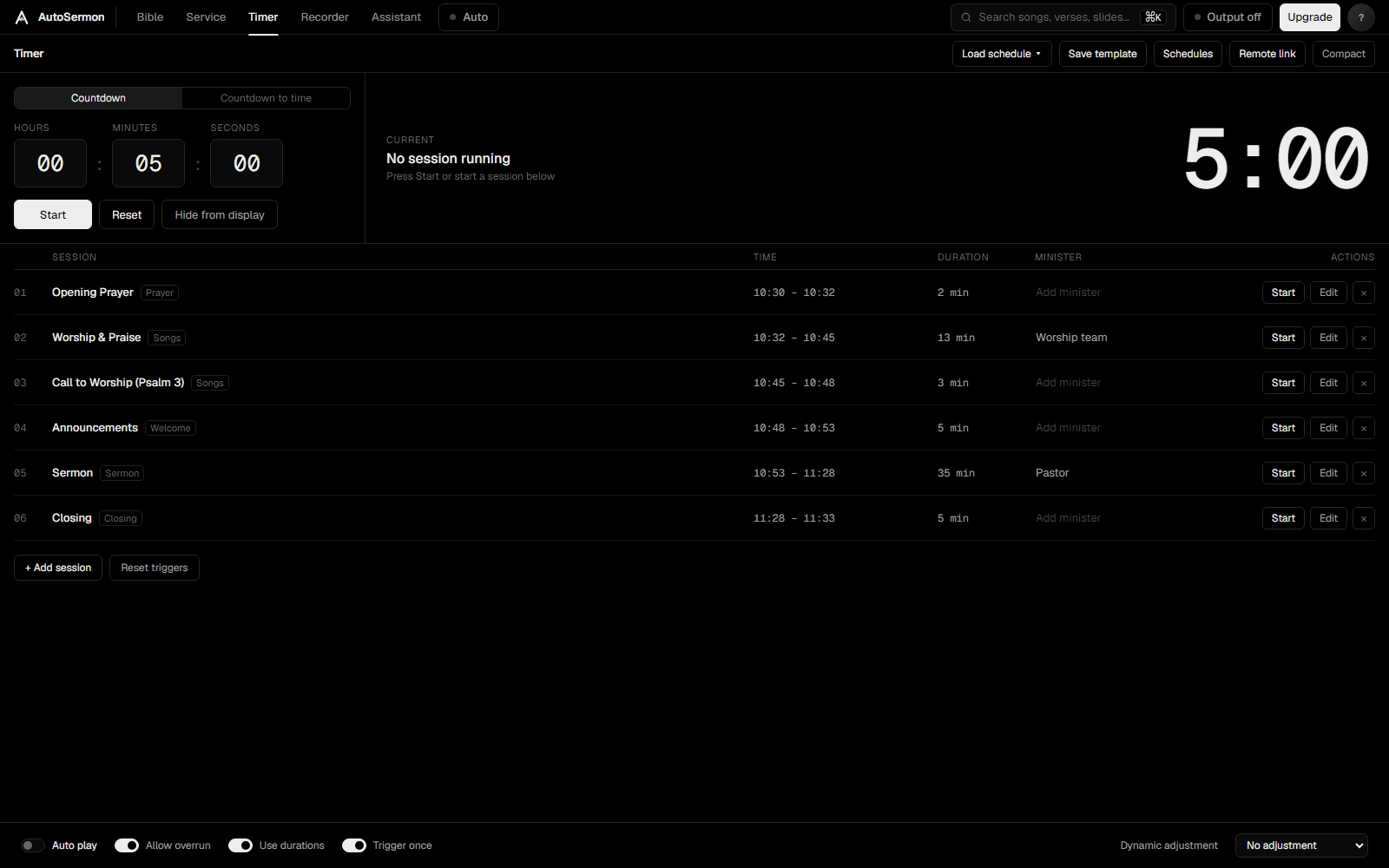
The order of service, run for you
A list of timed items: songs, prayer, sermon, offering, communion and more. Press Auto and AutoSermon moves through it on the printed times and on what it hears.
- A singing item is held while the room keeps singing
- Songs followed line by line from the playlist each item names
- Sermon slides turn as they are preached
- A countdown, for a length of time or to a set time, on the screens you choose
- Import a run sheet and song sheets from PDF, Word, text or CSV
- Read an order of service from a photo, with AI
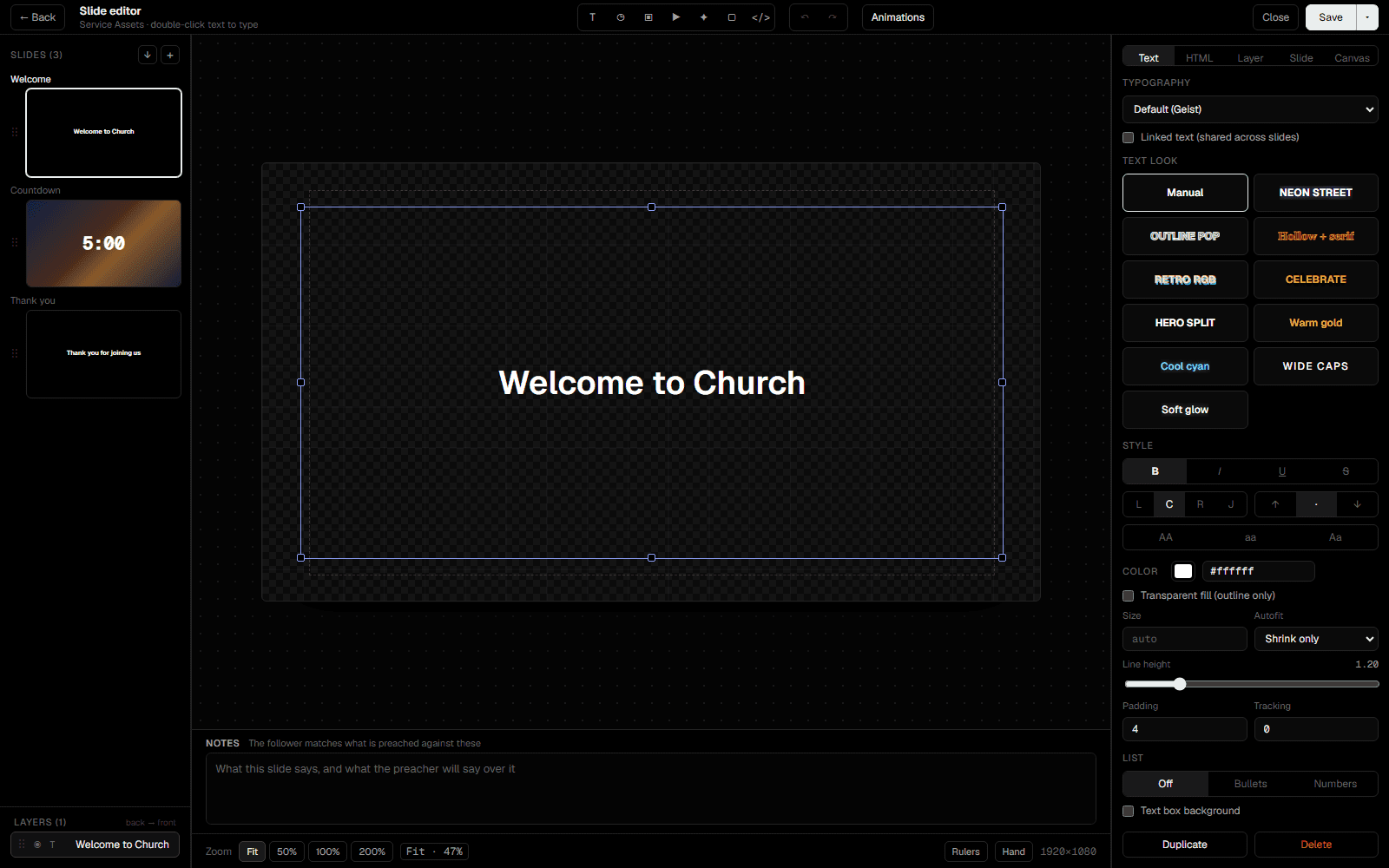
A slide editor with layers
Build slides from text, timer, image, video, icon, shape and HTML layers. Put what the preacher will say in a slide’s notes, and AutoSermon turns to it when it is said.
- Layers panel, text styles and an HTML inspector
- Slide transitions and layer entrances
- Slide actions: clear a layer, start a timer, show a prop or message, or switch a look or stage layout as the slide goes live
- Canvas at 1920×1080, 4K or portrait
- ProPresenter presentations as they were designed, with their pictures, text and shapes as layers
- PowerPoint files as editable slides, or as pictures when PowerPoint is installed on Windows or a Mac
- Paste lyrics or notes and they are split into slides
- Export slides as PNG images, in 4K on Pro
Looks and themes
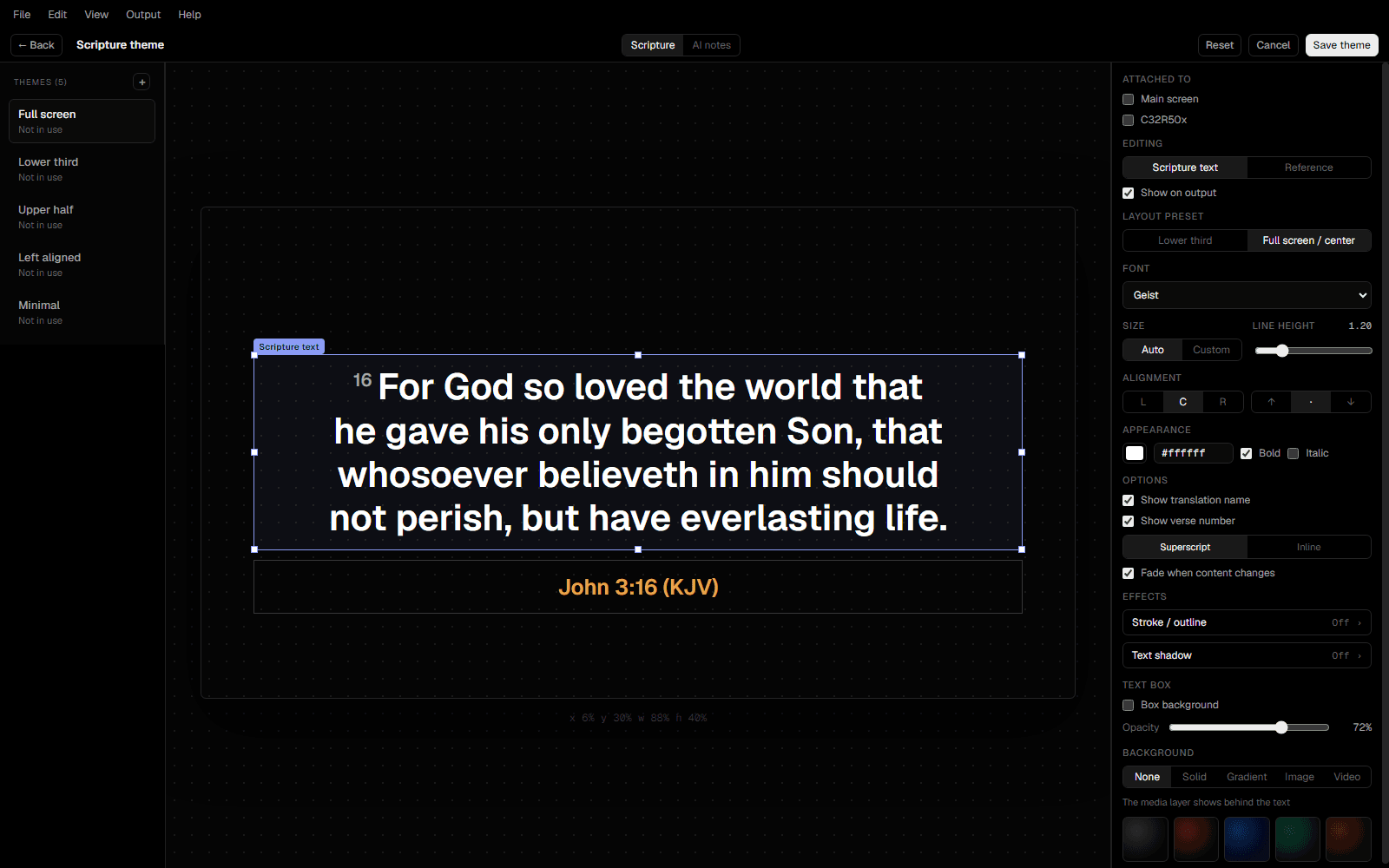
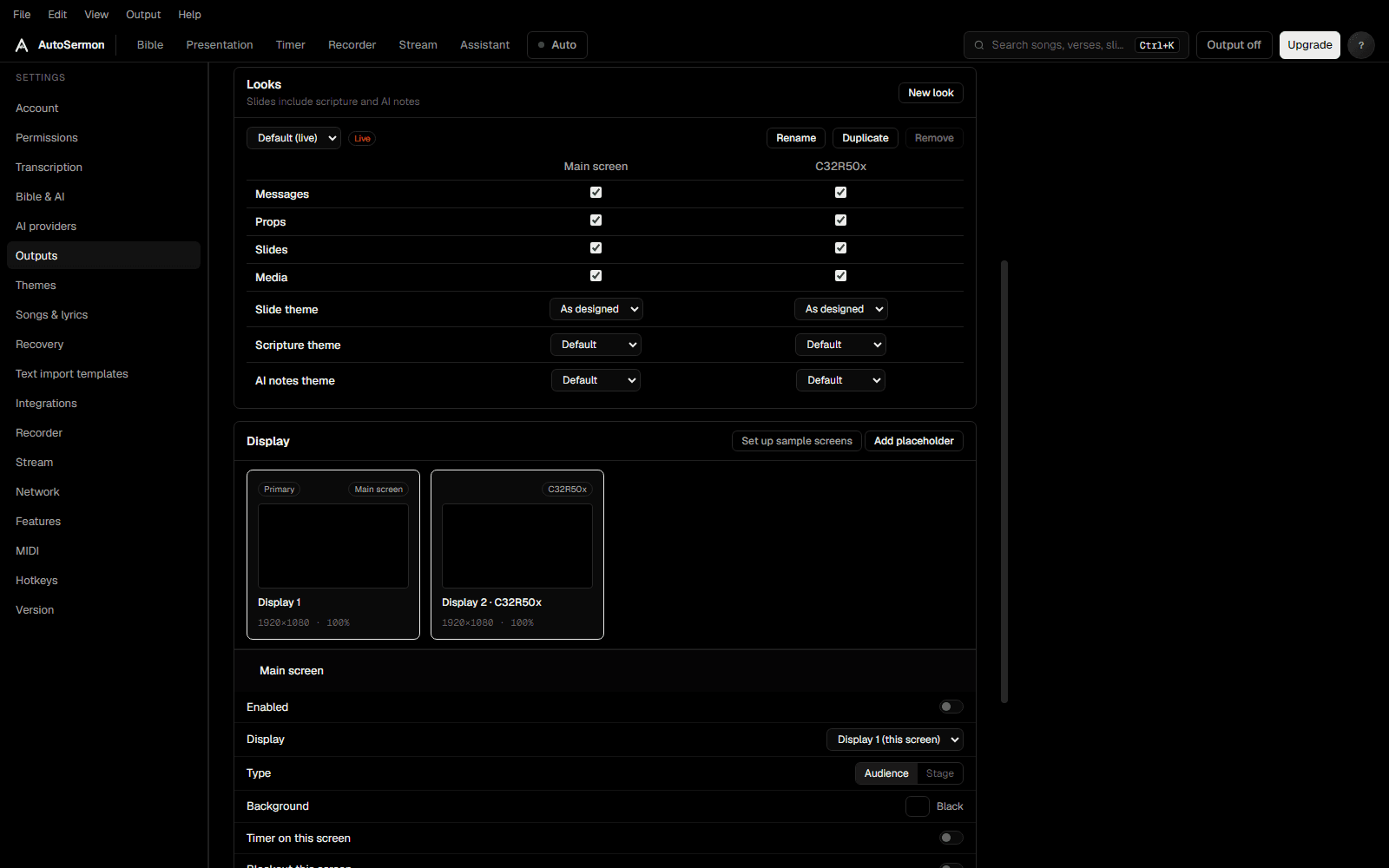
A look saves what every audience screen shows: its layers, and its themes for slides, scripture and AI notes. Switch them all at once from a slide, the Output menu or the Program preview.
- Lower third and full-screen scripture layouts
- Place the verse and its reference
- Translation name and verse numbers on or off
- Solid, gradient, image or video backgrounds
- Themes for props, messages and stage screens
Every screen
AutoSermon drives every monitor the computer has, plus movable windows. A screen keeps its setup while its monitor is unplugged, and takes it up again when it is back.
- Stage screens: current and next slide, notes, clock, timer and a stage message
- Props and messages over the slides: lower thirds, scrolling tickers, and notices with blanks to fill in, like a child’s name
- Timer and blackout per screen, and one Output switch for all of them
- Web output: the audience screen in any browser on your network, and in OBS or vMix as a browser source (Standard)
- ProPresenter output: what is on screen, in text files ProPresenter can show (Standard)
- A phone remote, a media upload page, an HTTP API and network sync between computers
Stream the service
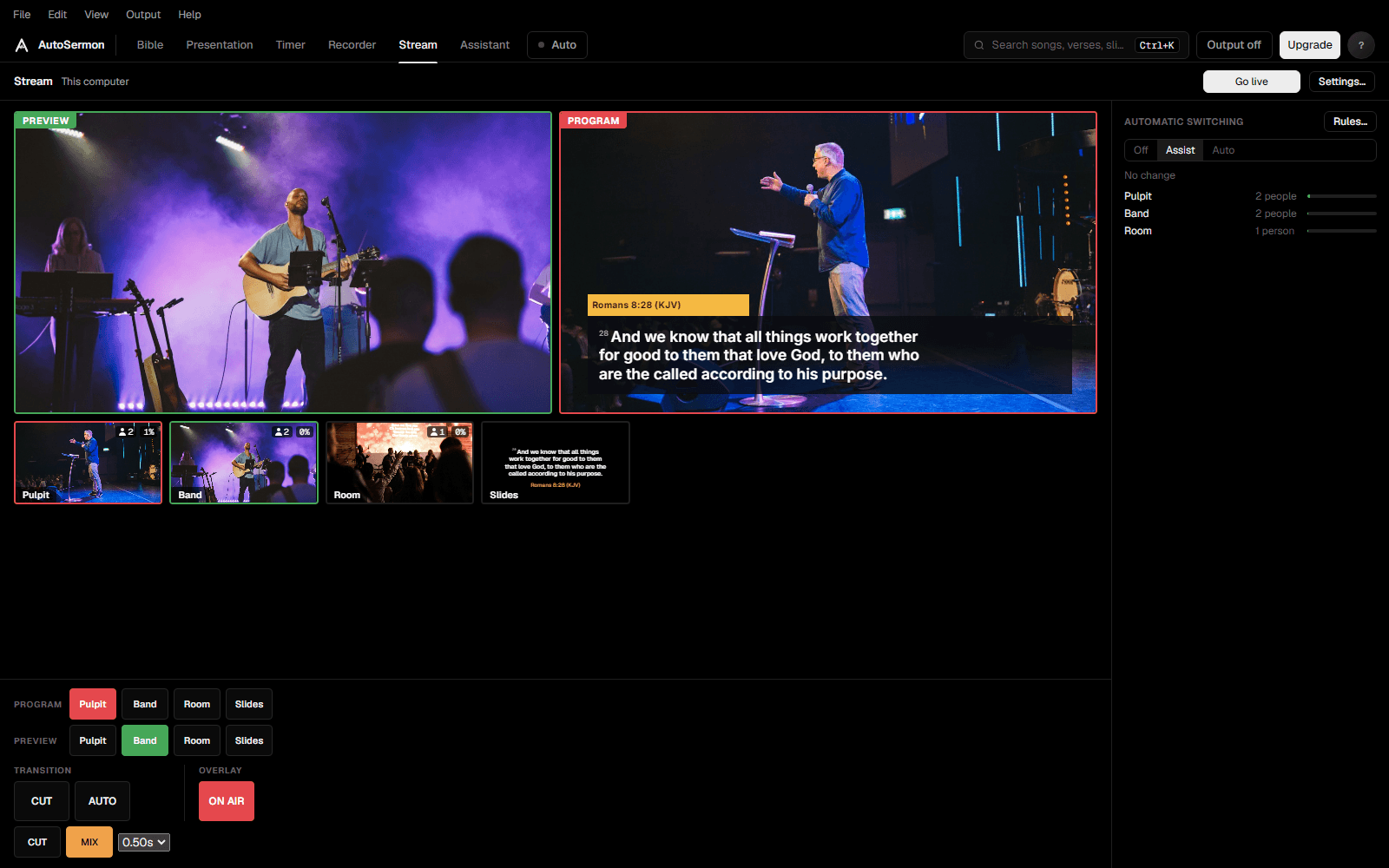
Stream to YouTube or any RTMP server from the cameras plugged into the computer, with the lyrics and scripture over the picture. Or run a Blackmagic ATEM switcher from the same page.
- Preview and program, cut or mix, and an overlay from any audience screen
- Automatic switching by rules: to the slides when the pulpit is empty, to a camera where something is happening, or when a verse, a song or a slide goes up
- Assist suggests the next shot, Auto takes it, and a manual cut always wins
- People and movement seen on the computer, offline, or by an AI model
- An ATEM with its multiview and its full panel: keys, transitions, macros, audio and recording
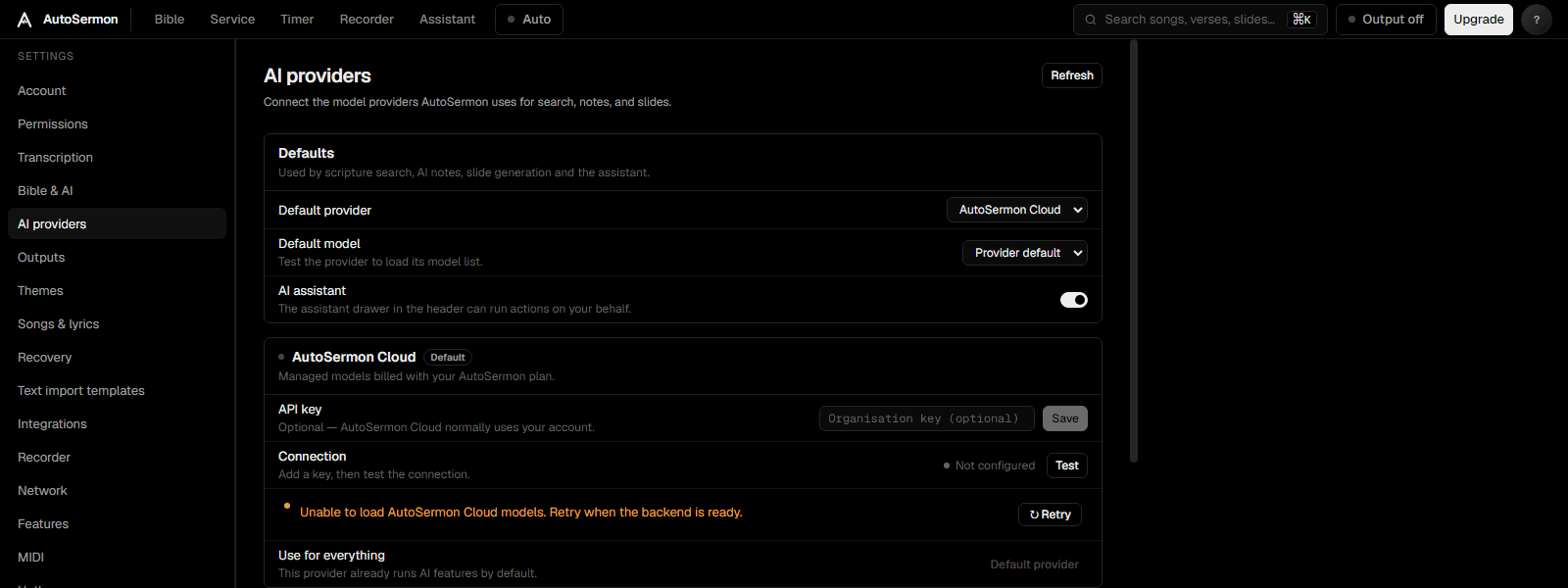
AI on your plan or your own key
Every plan, Free included, comes with AI credits: sign in and the AI features work with no key. Or connect your own OpenAI, Anthropic, Gemini or Groq key, or a local Ollama model, and use no credits.
- An assistant that can do anything you can do in the app, and asks before it removes or changes anything
- AI notes: points, quotes and applications from the sermon as it is preached
- Bible search by meaning
- AI slide builder: text into slides
- Recap slides from the sermon’s points and verses (Pro, on AutoSermon Cloud)
- An order of service read from a photo of the run sheet